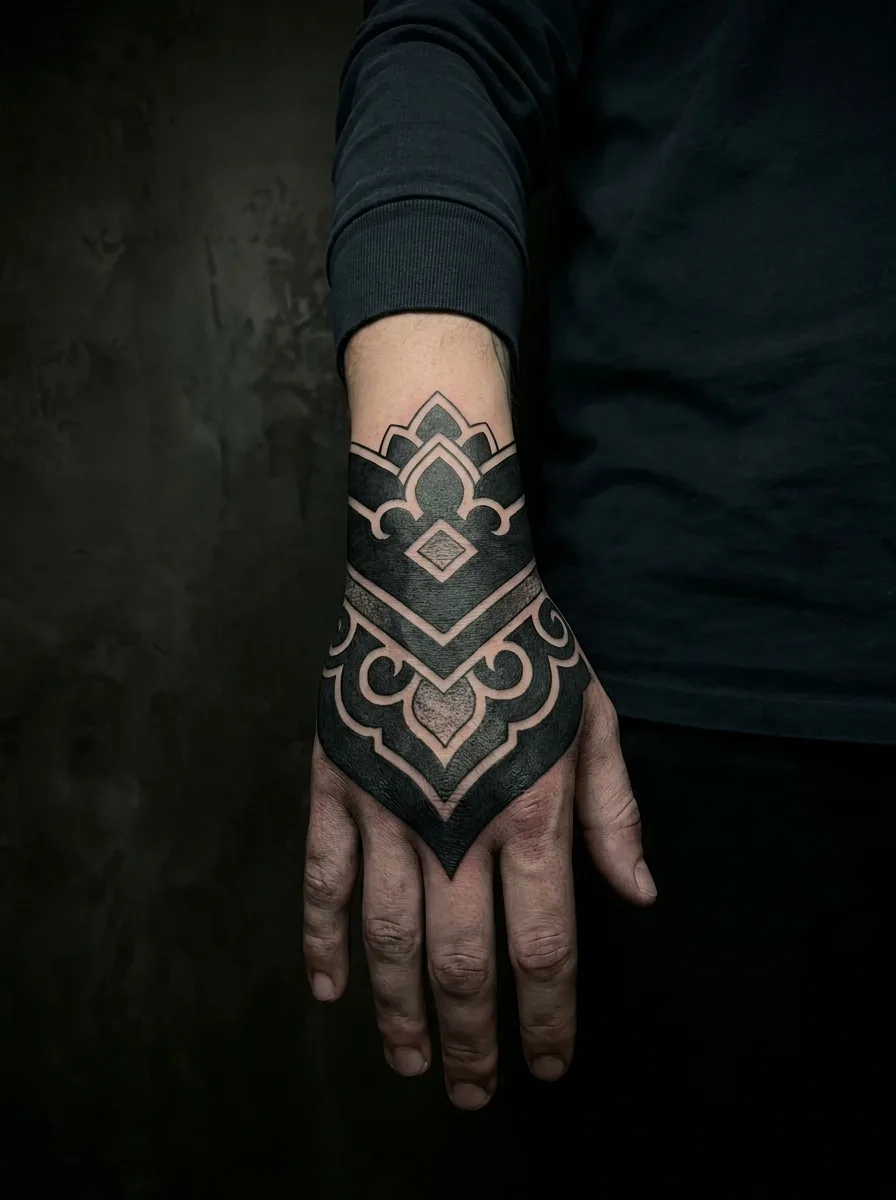
In Ombra, try-on means one specific thing: in the cover-up flow you can add a photo of a tattoo you already have, and the app renders a new design concept over it on that same photo. It is not a bare-skin try-on for any design. Use it to compare style, scale and coverage direction; a tattoo artist decides whether new ink can really cover the old.
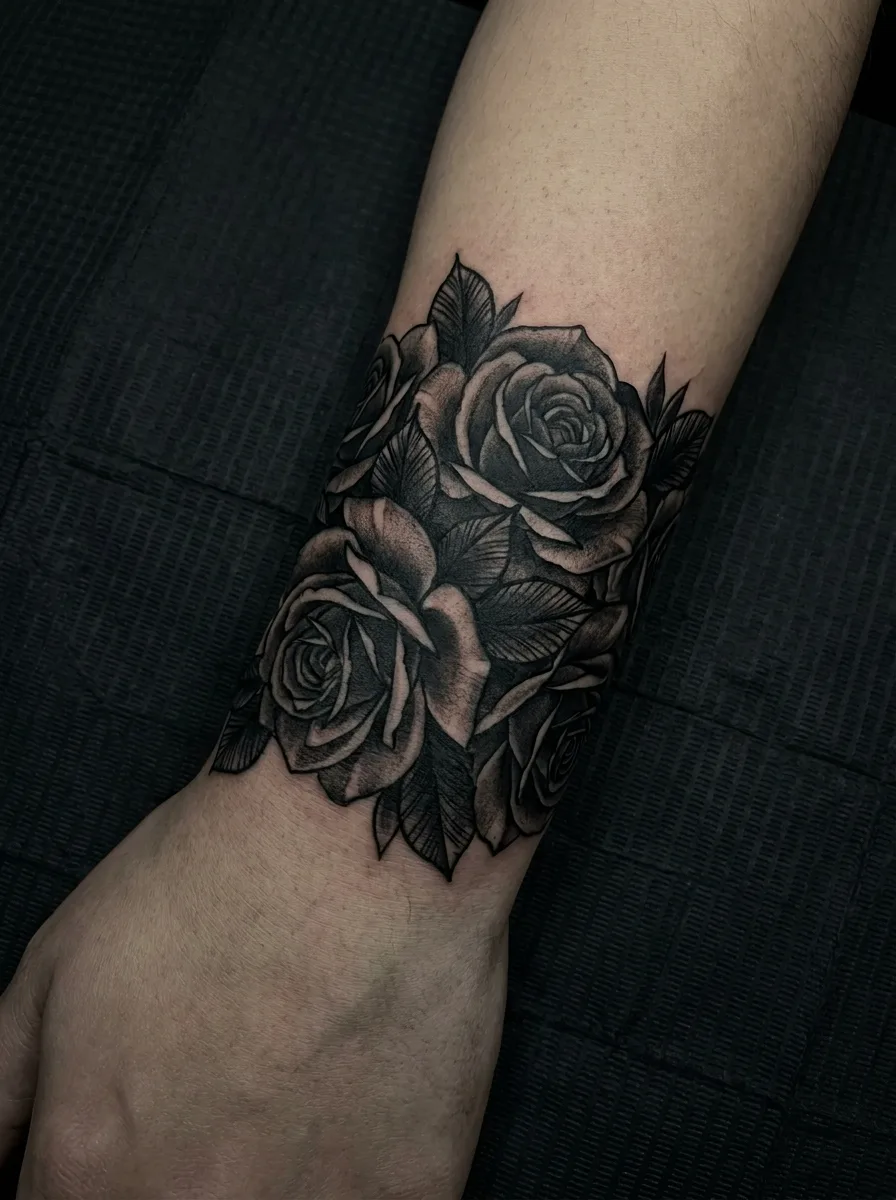
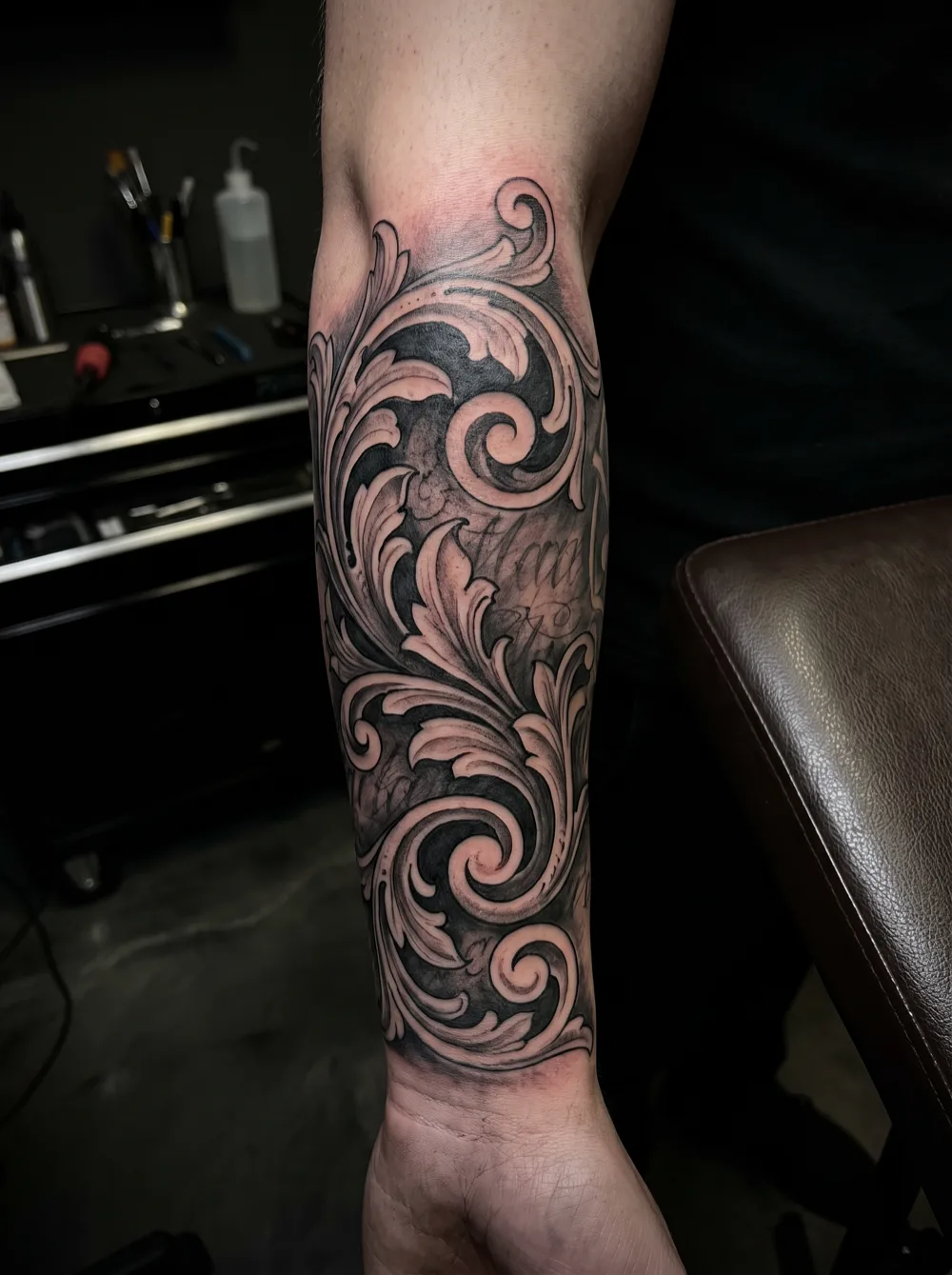
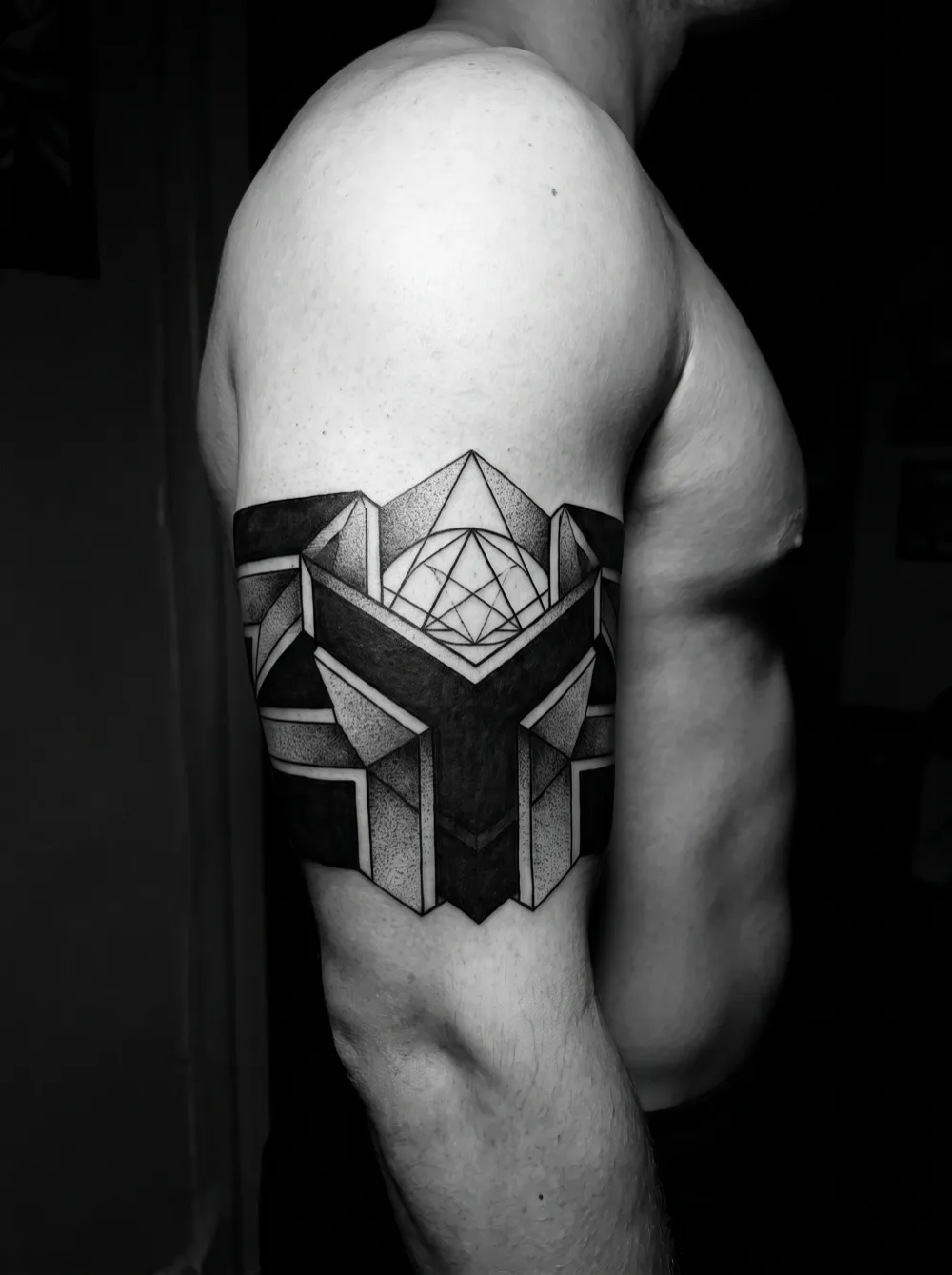
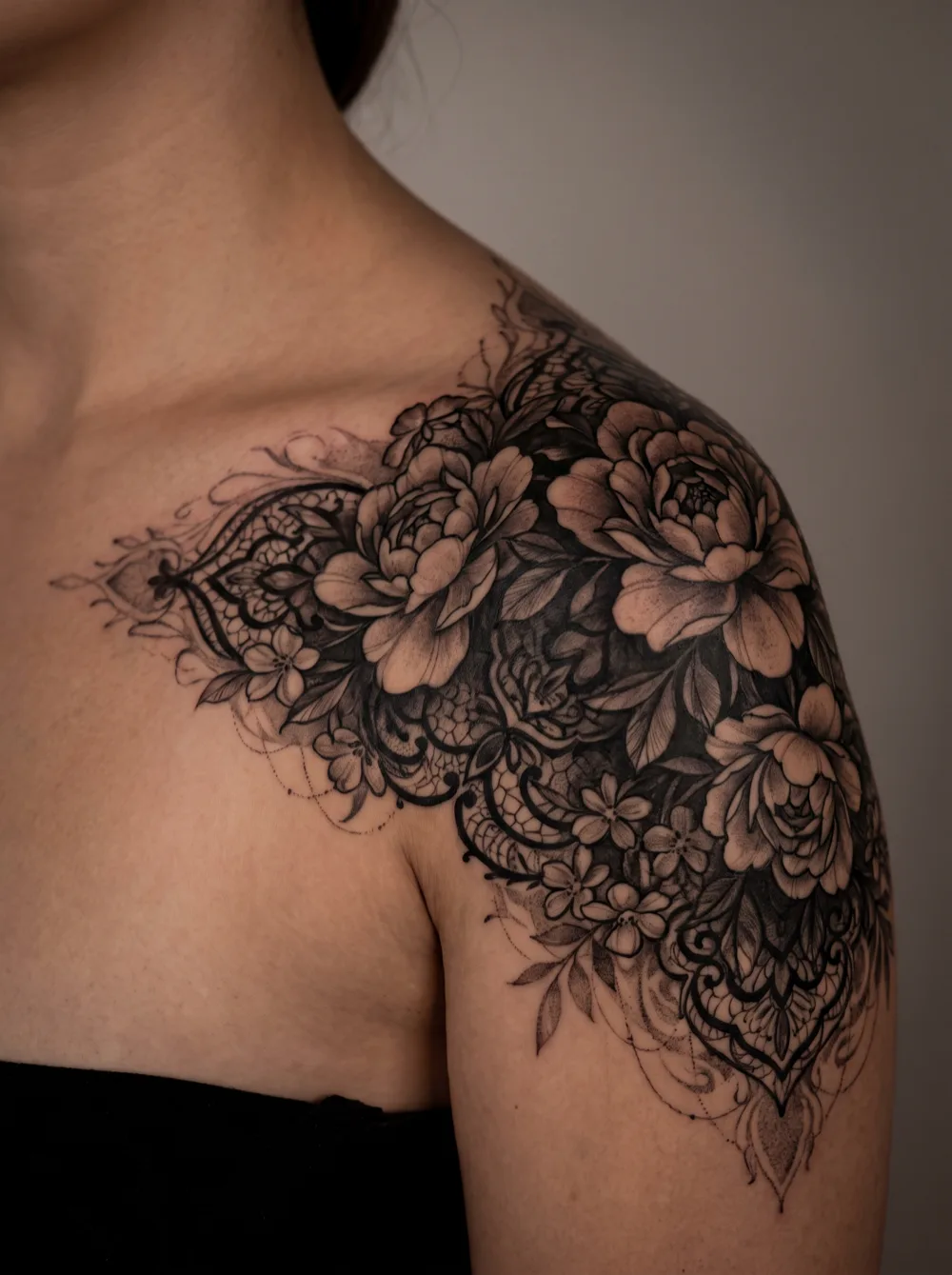
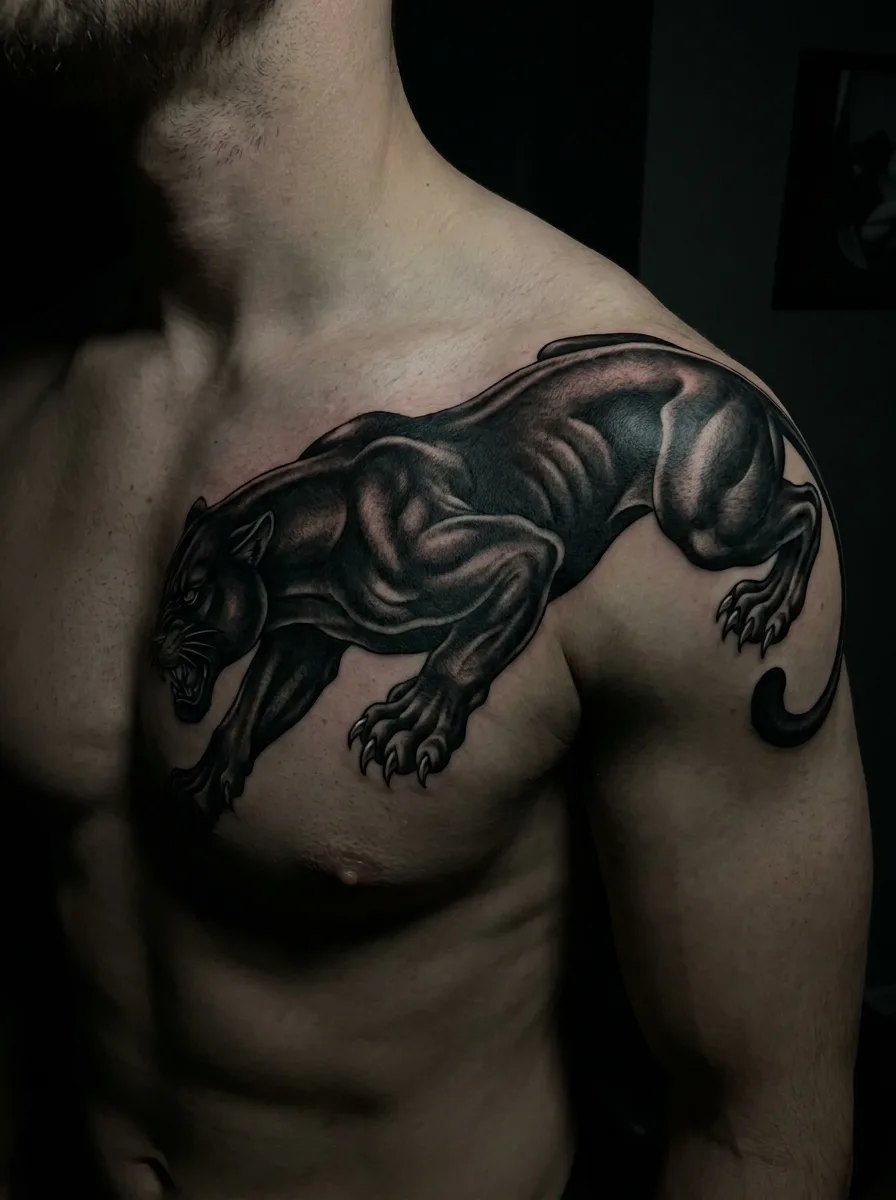
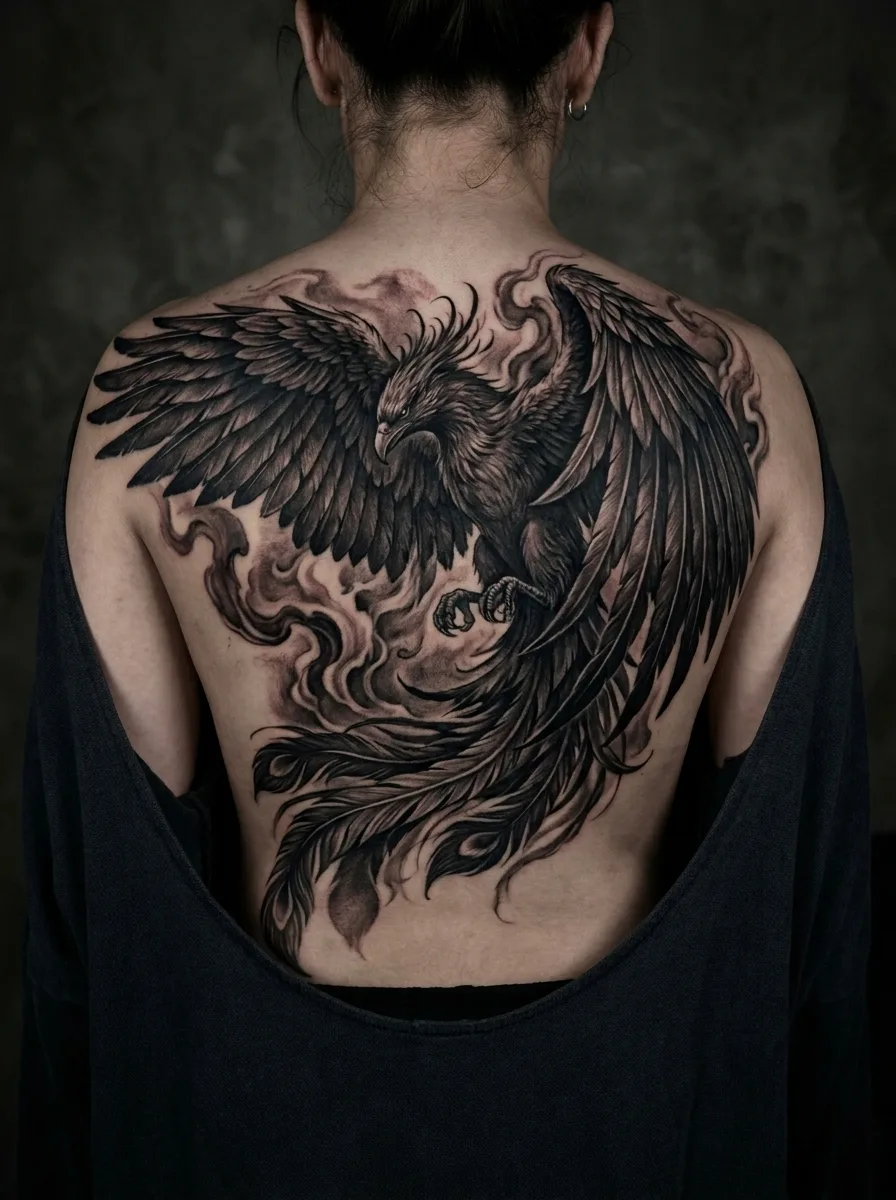
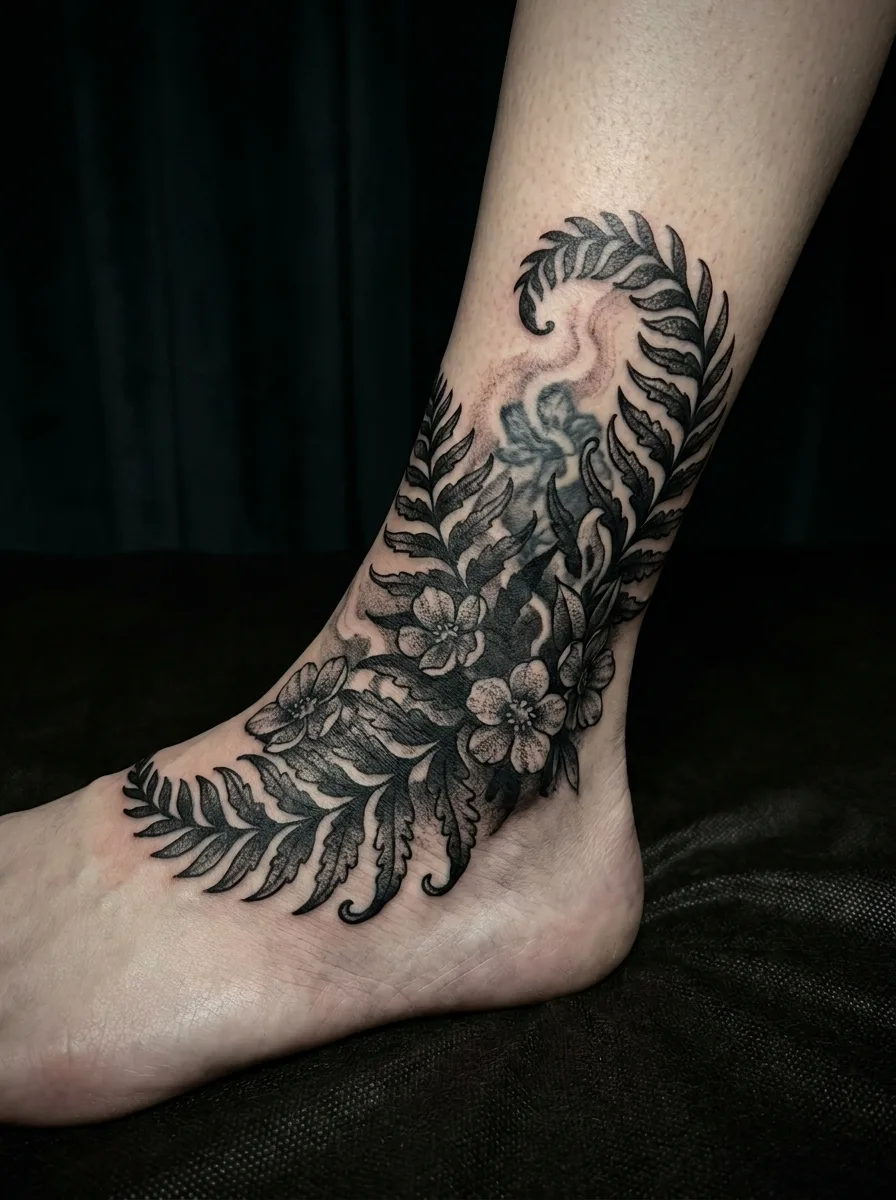
Design inspiration, including AI-generated concepts; these images do not document healed cover-up results. A photo preview cannot confirm how new ink will cover an existing tattoo.
Start the cover-up flow and choose the placement, style, color and how big a job you expect. Then describe what the new piece should be — a lion, peonies, a dense blackout band.
2
Add a photo of the old tattoo
This step is optional. A clear, well-lit photo taken straight on gives the concept the existing tattoo's size, position and darkness to work around. Skip it and you get a clean design concept instead.
3
Compare and take it to an artist
Each generation uses one credit. Compare directions, keep the original photo next to the concept, and ask an artist whether the idea can actually cover the old ink.
Pros
+You judge a direction on the tattoo you actually have, not on a stock arm
+Shows whether a style and scale feel right around the old piece's size and position
+Gives you a concrete image to bring to a cover-up consultation
Cons
−Only works inside the cover-up flow; it does not place any design on bare skin
−A rendered image cannot show whether new ink will hide old ink once healed
−Blurry, angled or poorly lit photos give less useful previews
FAQ
Can I try a tattoo on my own photo in Ombra?
Yes, in one situation: the cover-up flow. You can add a photo of a tattoo you already have, and Ombra renders a new design concept over it. Ombra does not offer a general try-on that places any design on bare skin.
What can a cover-up preview tell me?
It helps you compare style, scale and placement against the existing tattoo and talk about a direction with an artist. It cannot tell you whether the new ink will hide the old ink, how it will heal, or how it will age on your skin.
Do I need a photo to use the cover-up flow?
No. The photo step is optional. Without a photo you get a clean cover-up design concept based on your answers; with a photo the concept is rendered over your existing tattoo.
Is the preview free?
Downloading Ombra Tattoo is free, but generation is credit-based: each design or preview uses one credit. Check the offer and the credits included in the app before you pay.