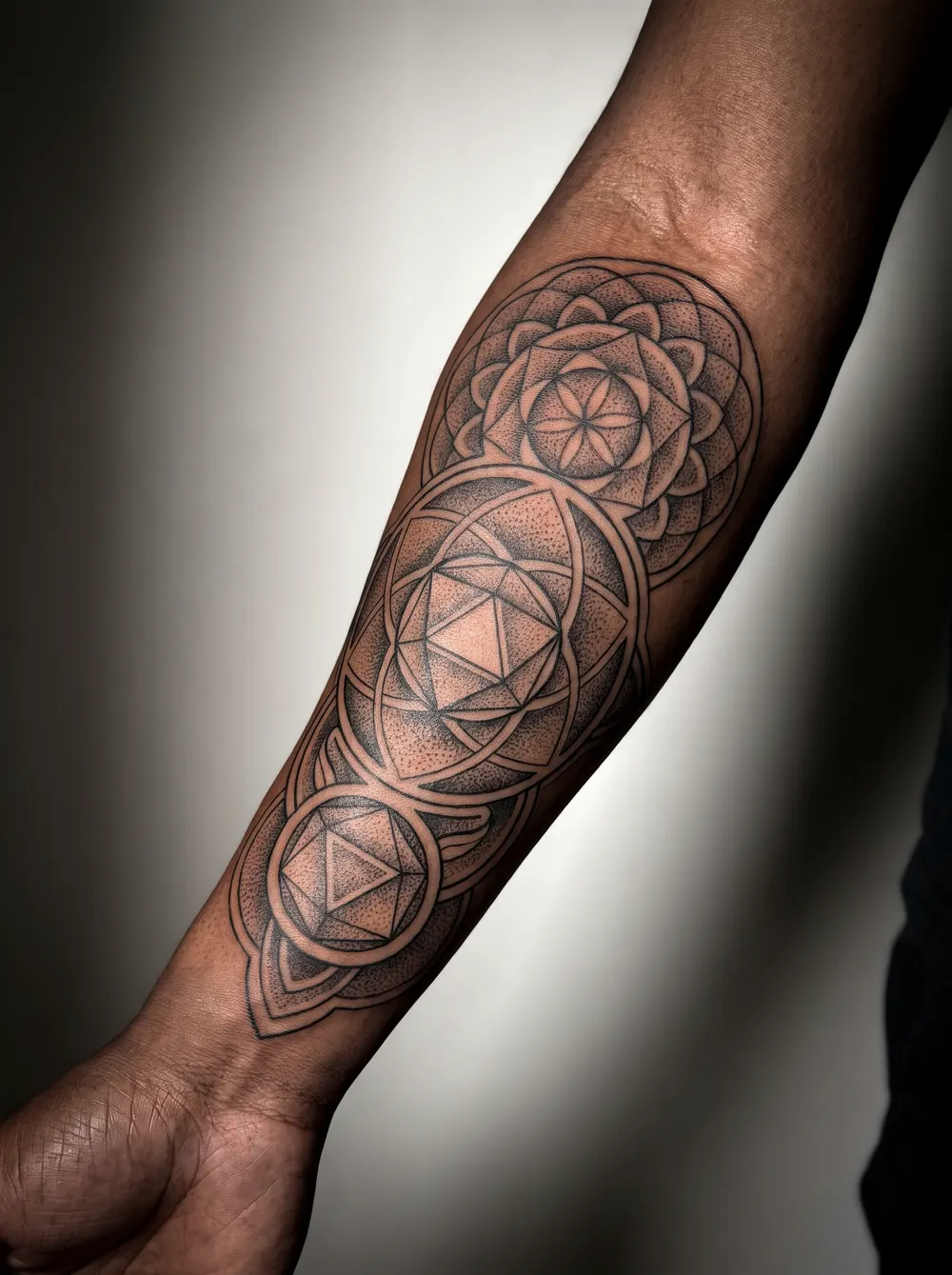
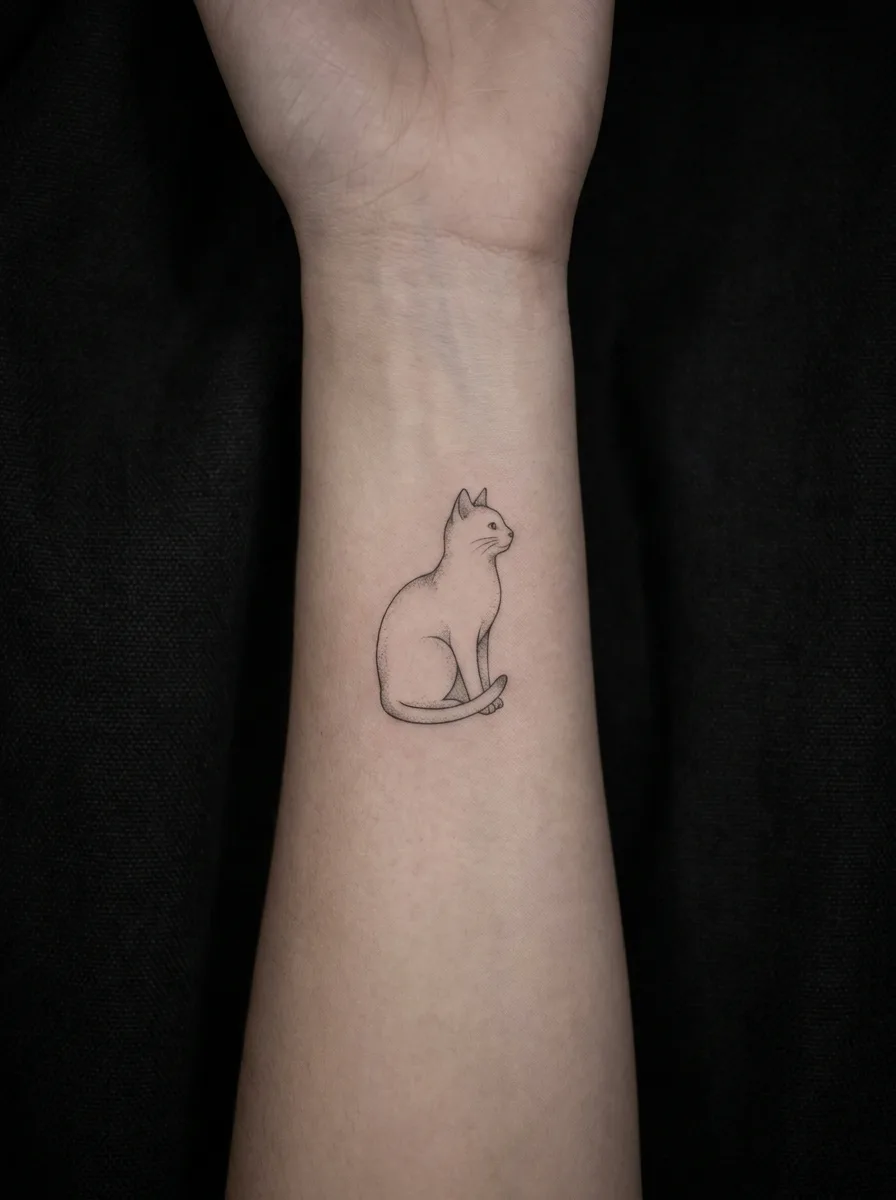
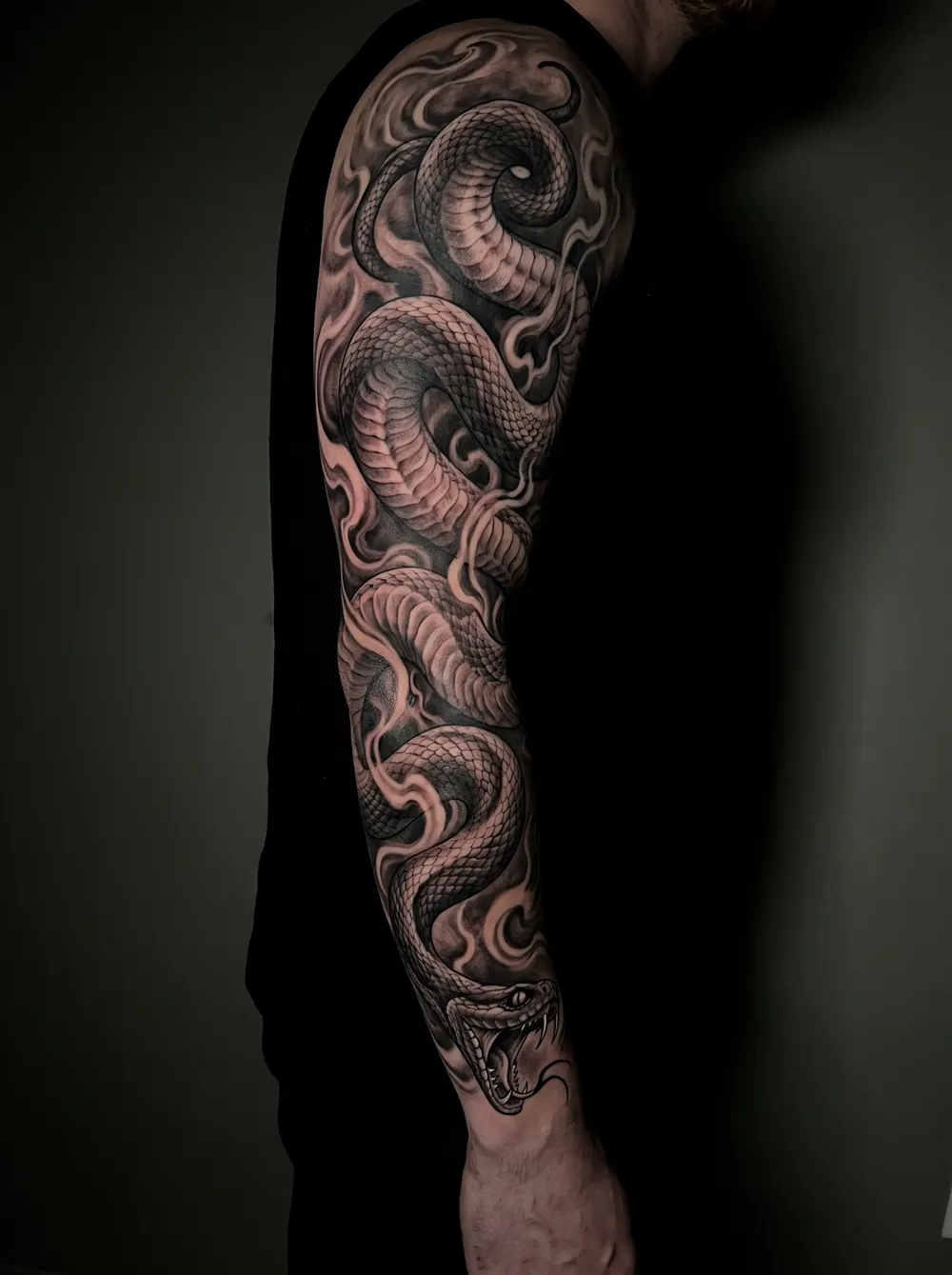
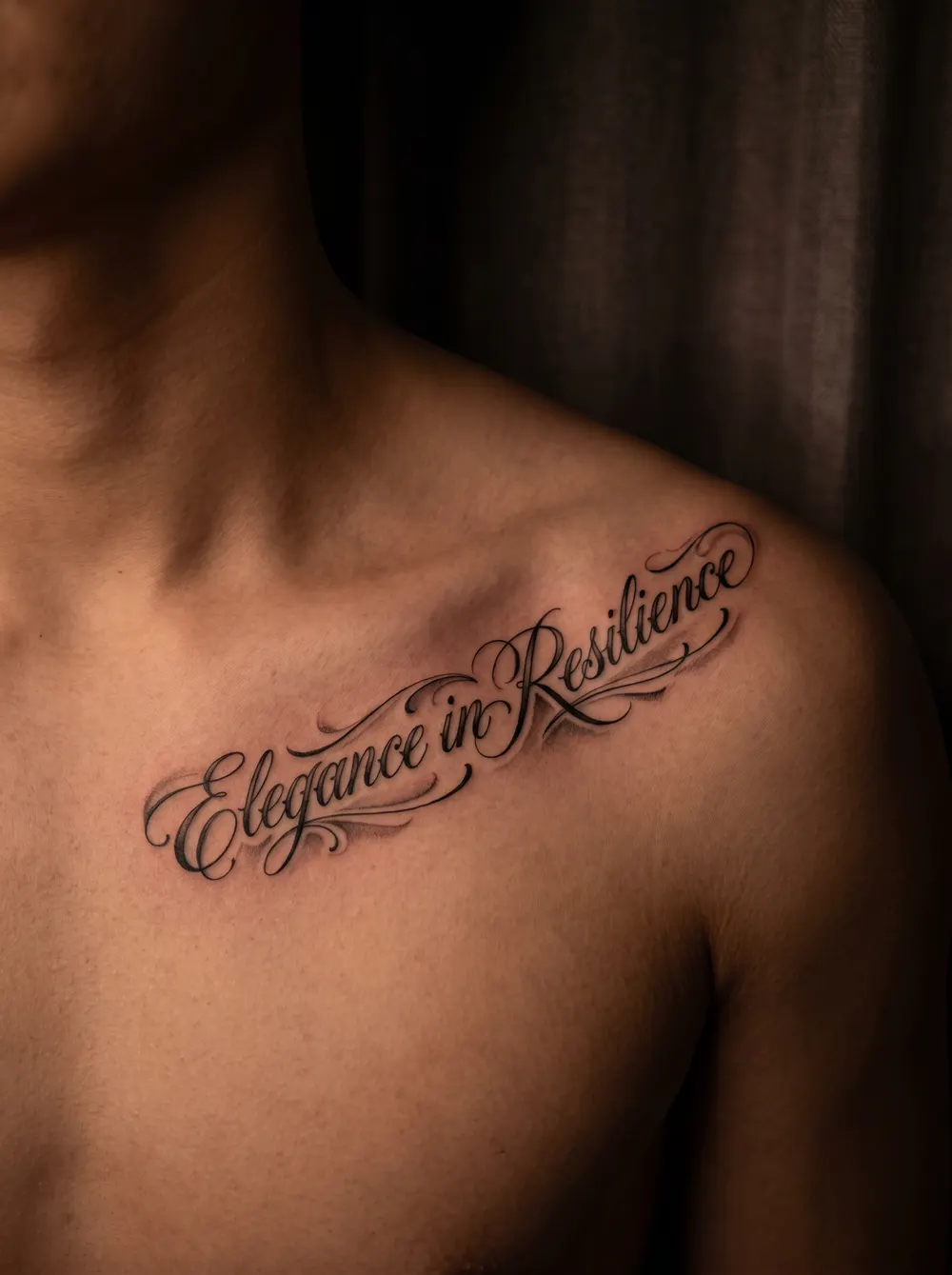
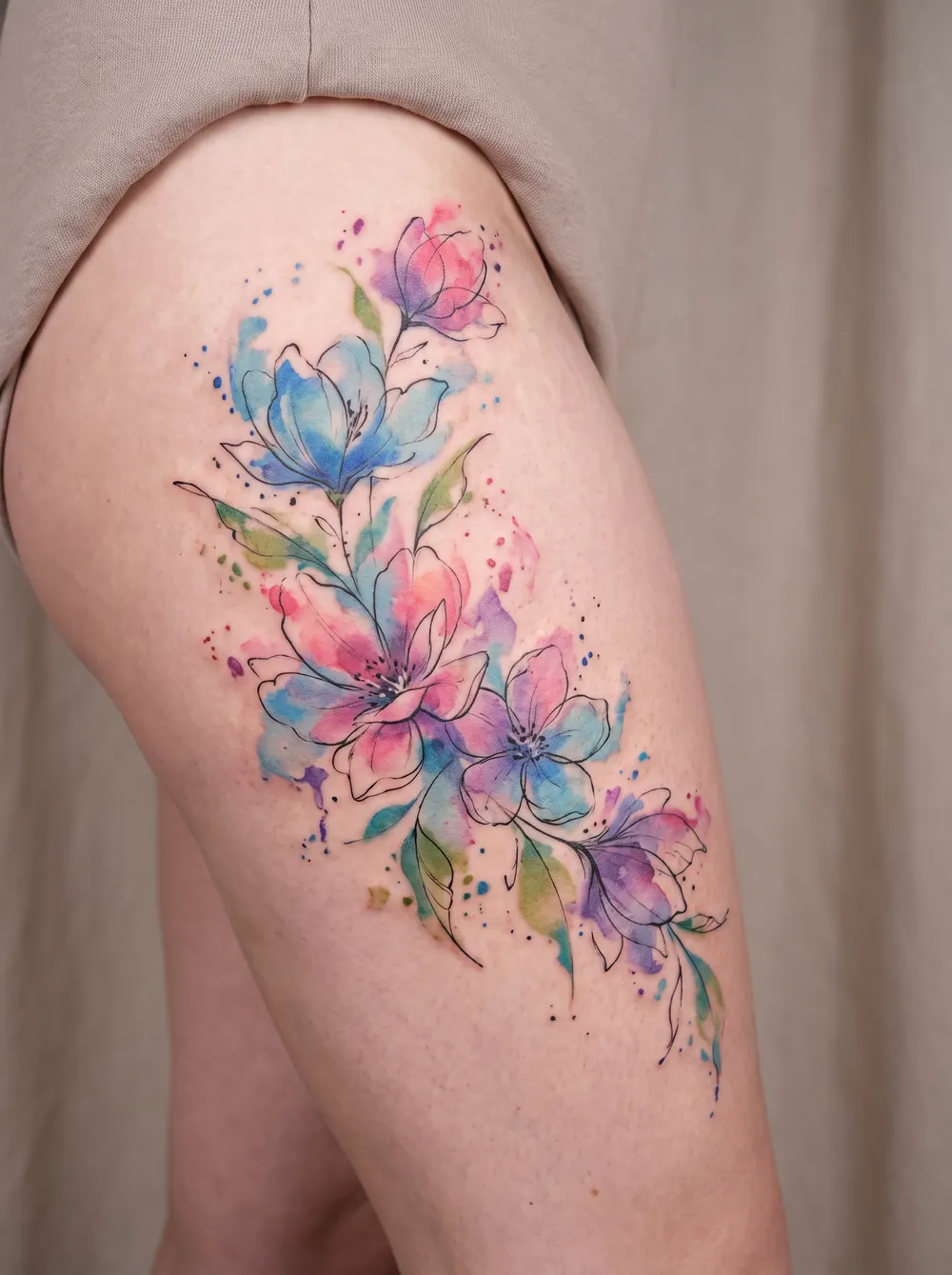
An AI tattoo generator turns a text description or a style into a custom tattoo design in seconds. Describe what you want — a motif, a style, a feeling — and the AI sketches options you can refine. In Ombra, a guided flow asks for your idea, style, color, placement and size, and each design uses one credit. Browse styles below, then create your own in the app.
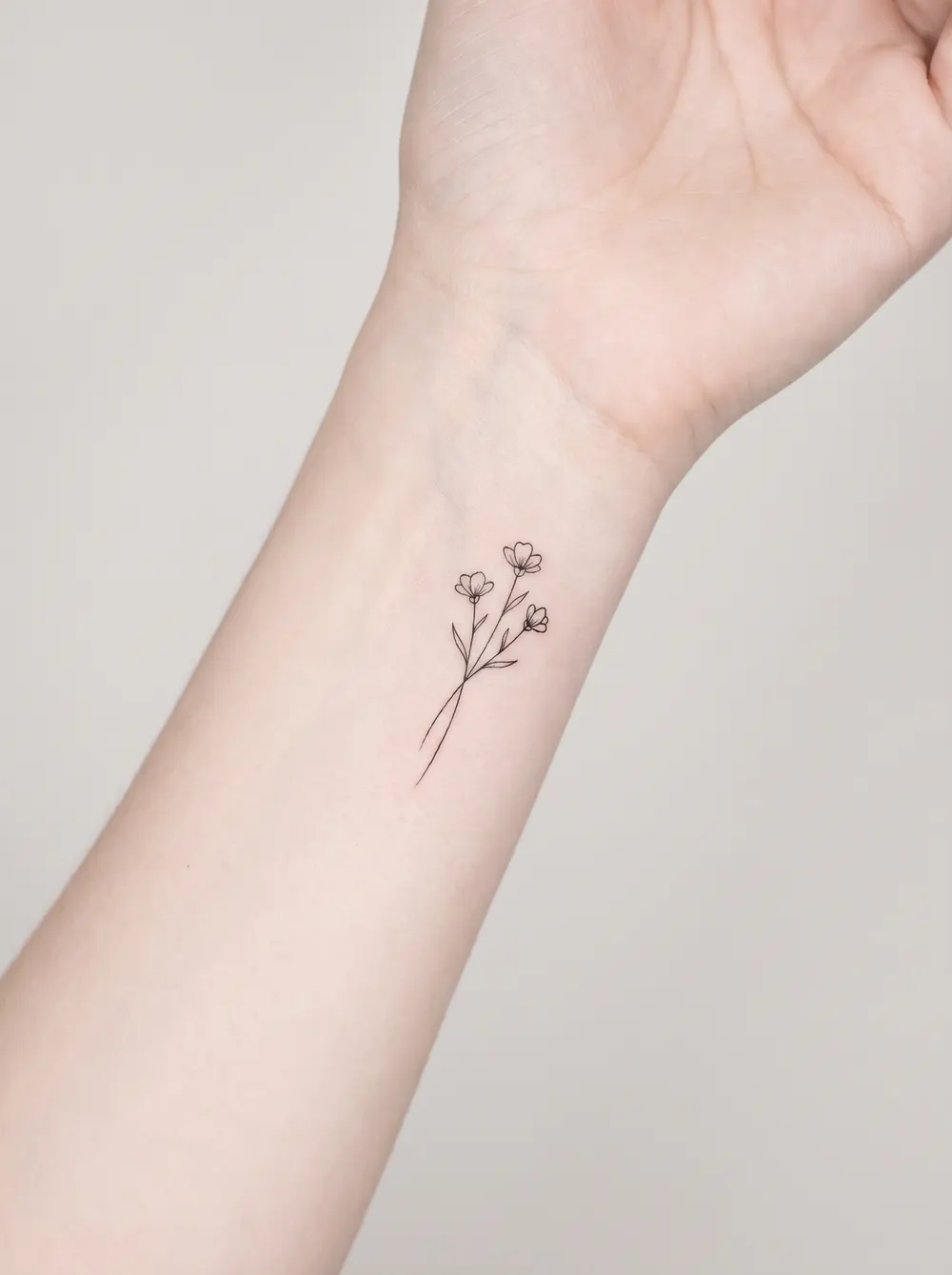
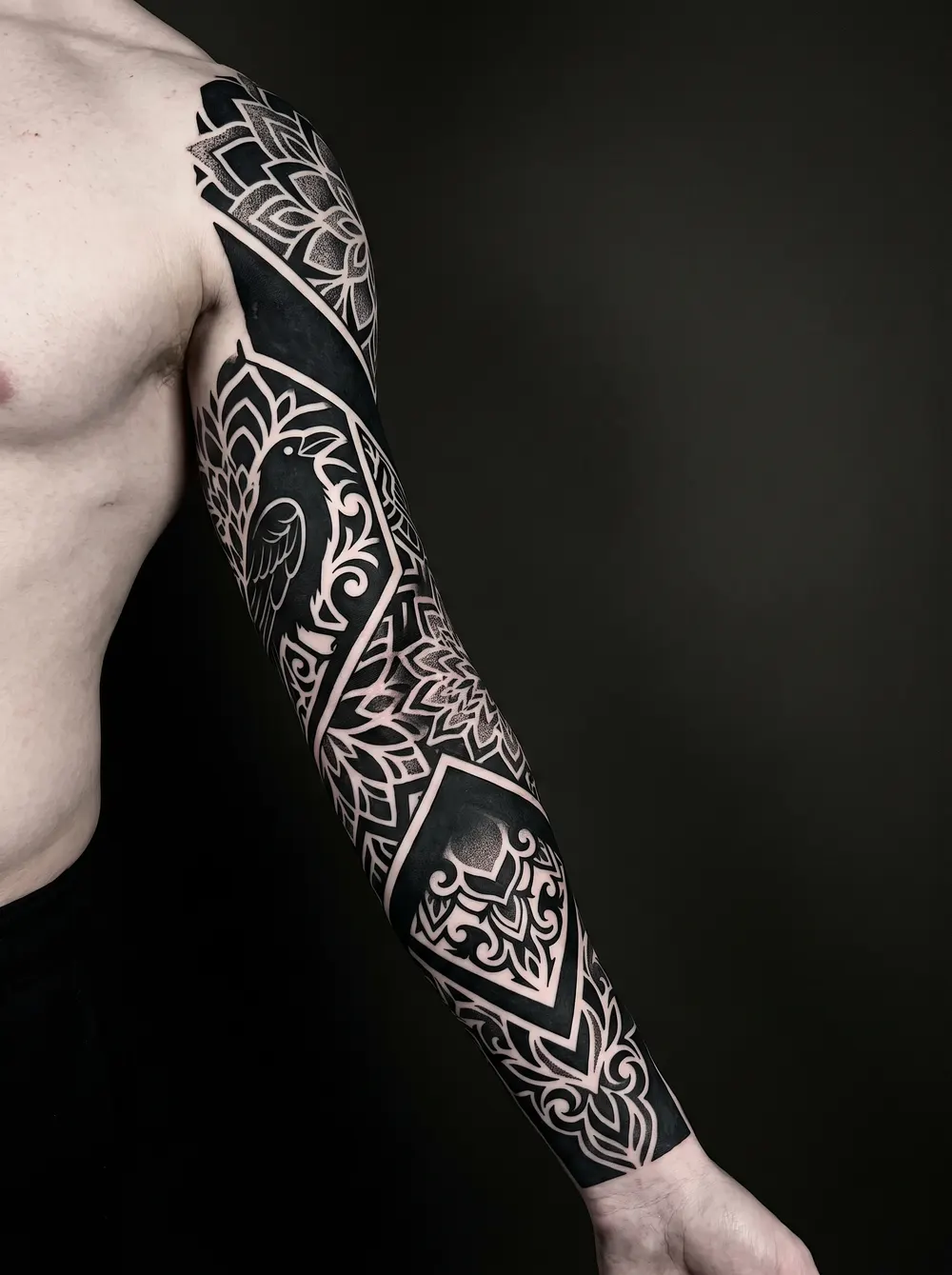
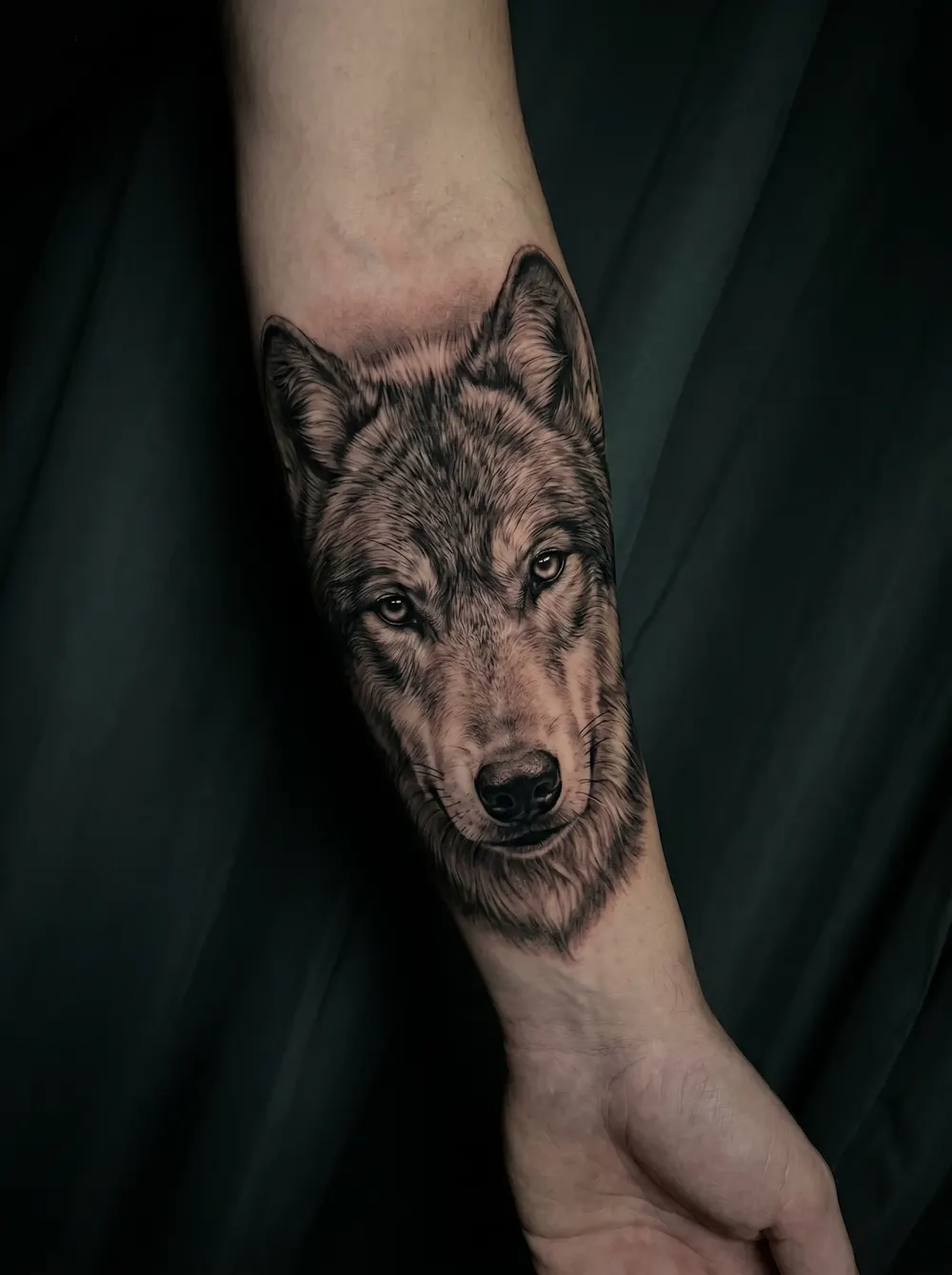
Design inspiration, including AI-generated concepts; these images do not document healed cover-up results. A photo preview cannot confirm how new ink will cover an existing tattoo.
Type an idea (“a fine-line snake on the forearm”) or choose a style — minimalist, blackwork, realism, geometric, traditional.
2
Generate & refine
The AI sketches options; tweak the prompt, style and detail until one feels right.
3
Take it to your artist
Save the designs you like in the Ombra Tattoo app and bring them to your artist as a reference. Planning a cover-up instead? The cover-up flow can render a concept over a photo of your old tattoo.
Pros
+Explore design directions before a studio visit; generation requires payment
+Endless variations from a single description
+A guided flow turns idea, style, color, placement and size into a concept
Cons
−AI drafts are references, not finished stencils
−Detailed pieces still need a skilled artist to tattoo
−The best prompts take a little experimentation
FAQ
Is the AI tattoo generator free?
Ombra Tattoo is free to download. Generation is credit-based: each design uses one credit. Check the current offer and included credits in the app before purchasing.
Can the AI put the tattoo on my photo?
Only for cover-ups. Ombra's cover-up flow can render a new design concept over a photo of a tattoo you already have. Designs from the personalized and zodiac flows come out as clean designs; they are not placed on a photo of your skin.
What styles can it generate?
Minimalist, fine-line, blackwork, realism, geometric, traditional, lettering and more — describe a style or pick one to start.
Can I use an AI design at a tattoo studio?
Use it as a reference. Bring the generated design to your artist, who will adapt it into a tattoo-ready stencil.